family · Product help
Compare a shortlist and publish a reviewed version
Compare communities and tradeoffs, then explicitly share a reviewed shortlist with the family.
SeniorPath Product & Compliance · Product version 2026.09
Source checked · Replit Agent repository source inspection; not human, legal, provider, or publication approval.
This is general product guidance, not a view of your account. Confirm permissions and current facts in your workspace before acting. Do not enter private client information here.
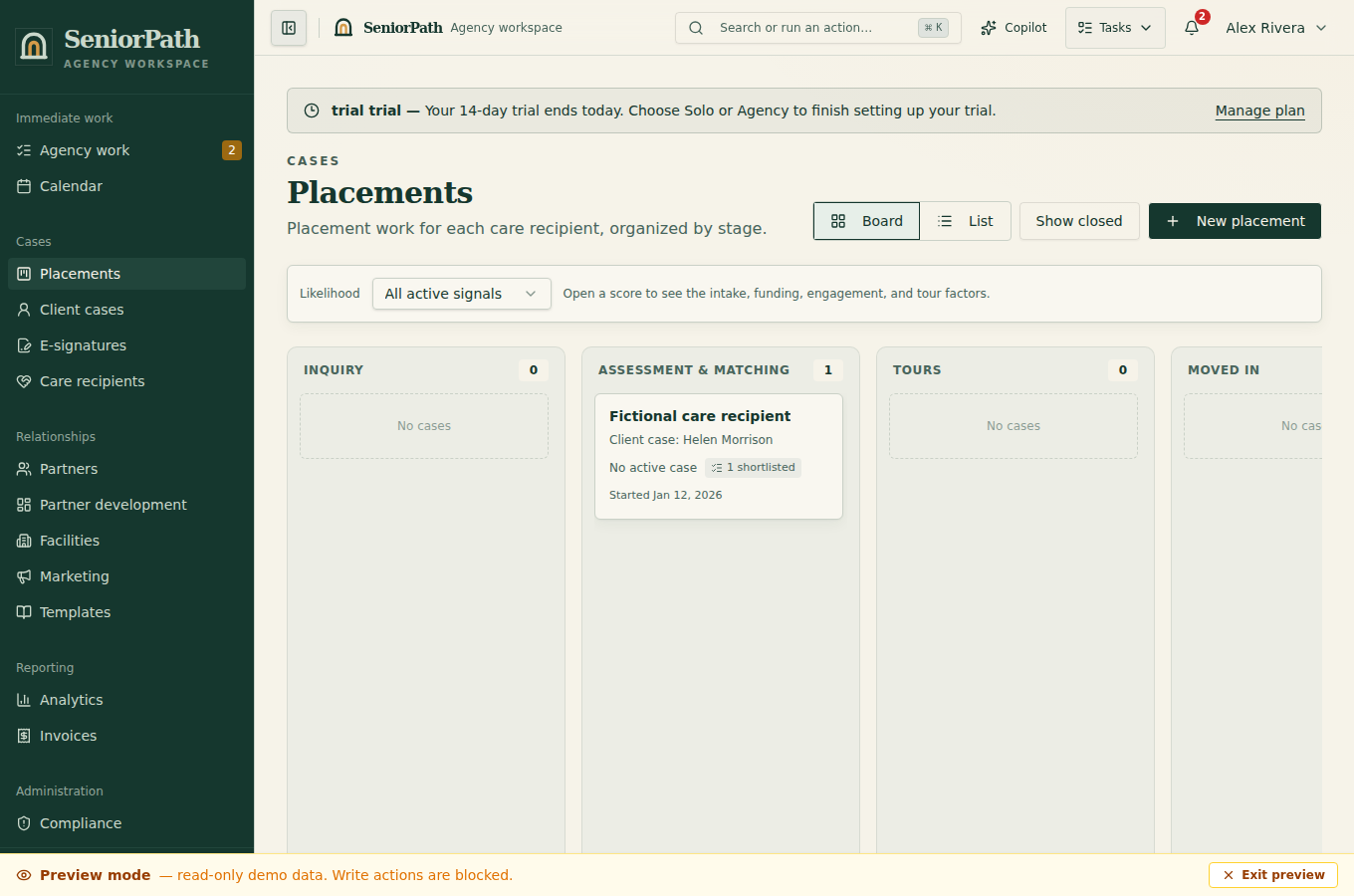
Prerequisites and role: the Solo or Agency placement needs reviewed shortlisted communities. Sharing requires owner/admin/advisor record-write permission and current facility facts; assistants normally review only.
Steps: 1. Open the placement's Facility Shortlist and remove options that should not advance. 2. Choose Compare and review Communities, assessment details, cost, notes, facility updates, and tradeoffs side by side. 3. Correct source records rather than editing around inaccurate facts. Mark Chosen only when the decision is supported. 4. Choose Share with family from the shortlist. Select any facility updates worth sharing, write a family-safe summary for each, review the exact family preview, and explicitly publish a new version. Use Published Versions to inspect prior immutable snapshots. Saving an internal update does not publish or send it.
Expected result: the family-facing link presents the latest approved version while prior versions remain auditable; sending the link is a separate action.
Exceptions and recovery: if no communities appear, return to matching and add reviewed options. A restricted role can compare but cannot publish. If facts are stale or publication fails, do not resend an older version as current; refresh evidence, resolve the error, and publish deliberately. Tours in the portal are live placement data, not frozen in the approved snapshot.
Operator duty: verify each facility fact, remove private notes, explain uncertainty and tradeoffs, and approve the exact family-visible content.
Family visibility: only the approved snapshot is family-visible; internal scores, deliberations, and unpublished edits stay private.
Reverify: review immediately before publication and create a new version after any material care, price, availability, licensing, or outcome change.
Was this article useful?
Feedback collection is currently unavailable pending privacy review. Do not enter client information here. This feedback is not a support request.