family · Product help
Share a reviewed shortlist with the family
Preview exactly what the family will see, optionally include facility updates, and publish deliberately.
SeniorPath Product & Compliance · Product version 2026.09
Source checked · Replit Agent repository source inspection; not human, legal, provider, or publication approval.
This is general product guidance, not a view of your account. Confirm permissions and current facts in your workspace before acting. Do not enter private client information here.
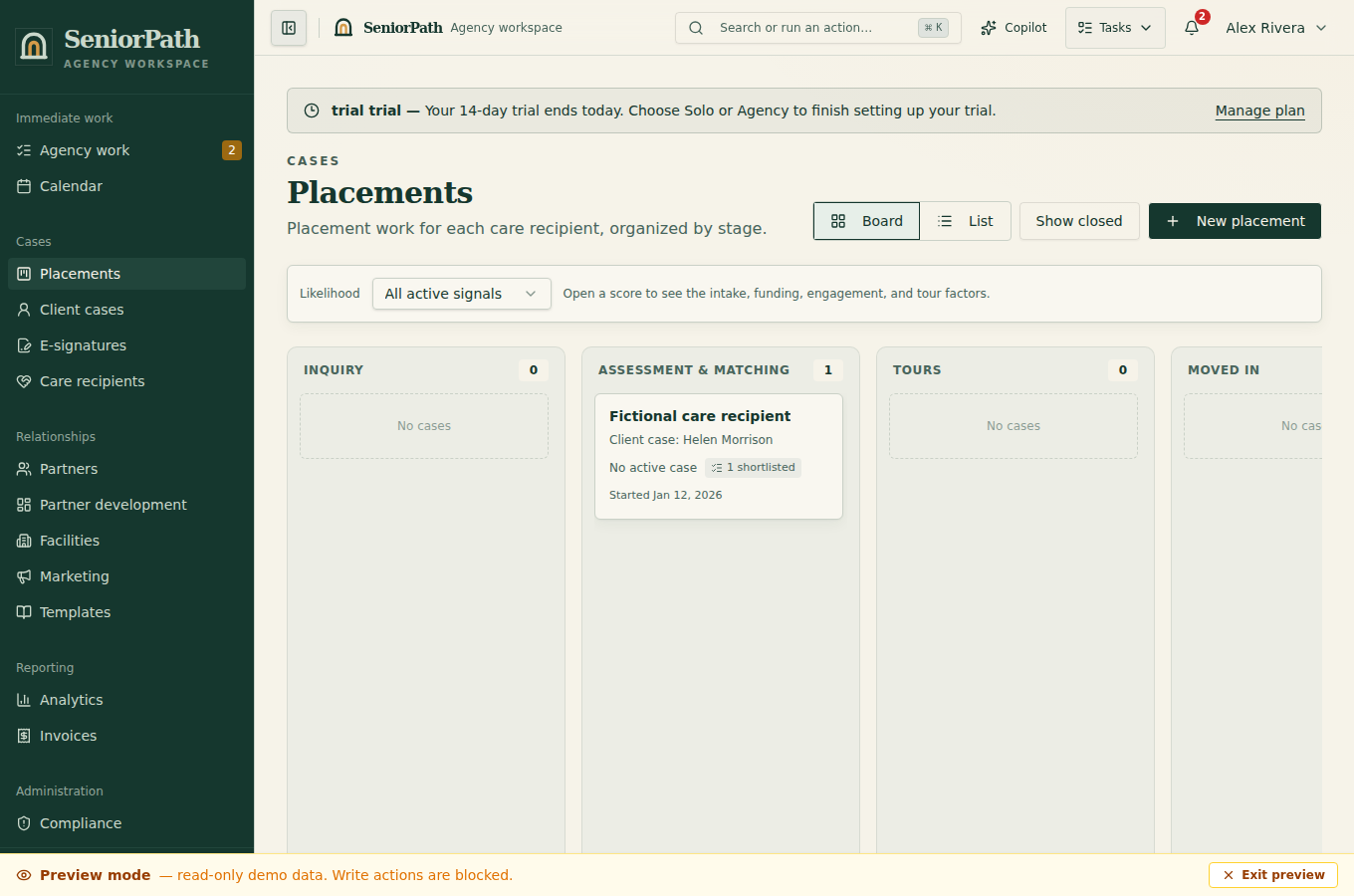
Prerequisites and role: Solo and Agency placement writers (owner, admin, advisor) need a reviewed shortlist and verified current facility facts. Assistants normally review only; confirm the authorized family recipient separately.
Steps: 1. Open the placement shortlist and correct inaccurate source facts. 2. Choose Share with family. Review the family-facing preview, optionally select facility updates, and write a safe summary for every selected update. 3. Approve the exact preview as a new version, then separately send the portal link through an authorized channel.
Expected result: each approved version is immutable, and the portal presents the latest approved version. Internal fact changes do not automatically invalidate, replace, or rewrite approved content. Tours shown in the portal remain live placement data rather than part of that immutable snapshot.
Exceptions and recovery: if facts changed or approval failed, refresh evidence and preview before publishing another version. Do not represent an older approved snapshot as current; link delivery is not evidence the family read it.
Operator duty: leave internal notes and private source details out of the family summary, explain uncertainty, and verify every family-facing fact before approval. Approve a new version when facility updates or other facts materially change, and separately maintain current tour details.
Family visibility: the family sees only the approved version and the facility updates explicitly selected and rewritten for sharing. Drafts, internal fit details, agency ratings, contact preferences, compliance working notes, and unpublished changes remain private.
Reverify: review freshness before every approval and again before a family decision; approve a new version after relevant changes to care needs, availability, price, licensing, or material outcomes because the system does not auto-invalidate the prior version.
Was this article useful?
Feedback collection is currently unavailable pending privacy review. Do not enter client information here. This feedback is not a support request.