compliance · Product help
Review compliance evidence, privacy, and AI-assisted work
Resolve required actions and use optional case guidance when helpful, with human review and current evidence.
SeniorPath Product & Compliance · Product version 2026.09
Source checked · Replit Agent repository source inspection; not human, legal, provider, or publication approval.
This is general product guidance, not a view of your account. Confirm permissions and current facts in your workspace before acting. Do not enter private client information here.
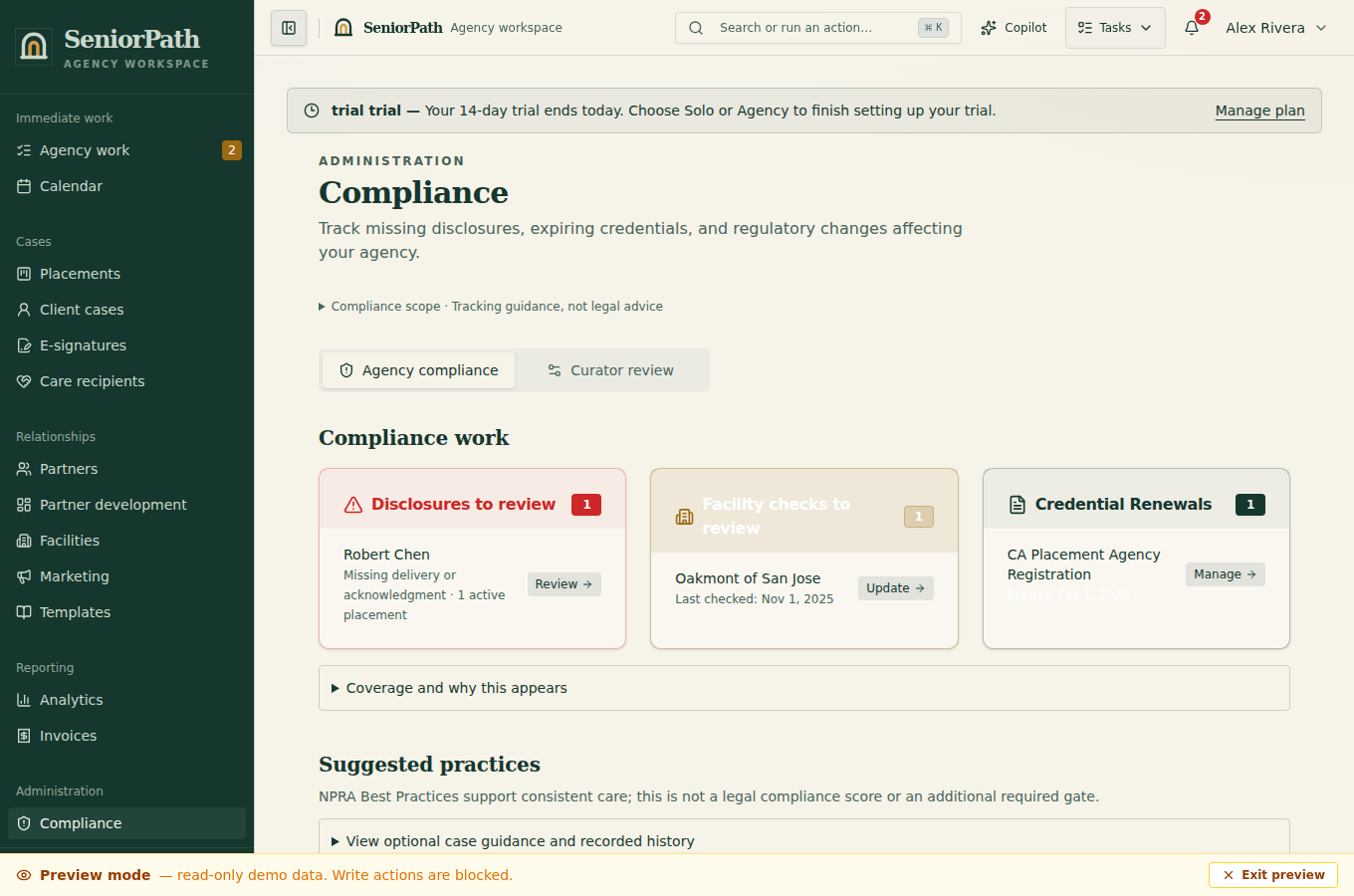
Prerequisites and role: Solo and Agency case operators with placement write access can record baseline disclosure evidence. Regulatory Watchtower, compliance assistant, credentials, NPRA agency scoring and audit packets require the Agency plan; agency-wide configuration is owner/admin controlled. Obtain current primary sources and approved language first.
Steps: 1. Open the intended placement and review required pre-referral checks and applicable disclosures. 2. Record disclosures, acknowledgments, registry or enforcement checks, sources, dates, and results using minimum necessary information. 3. If the Agency-plan Watchtower is available, inspect the source and Last success before using an alert; correct any AI-assisted draft or suggested fields before relying on them. 4. Confirm delivery and acknowledgment as distinct records, then resolve required stage checks before referral.
Expected result: dated evidence and required actions are traceable; an alert or saved draft is not legal clearance.
Exceptions and recovery: if the Agency-only view is unavailable, ask an owner to check plan and role; baseline case obligations still apply. If a source is stale or unavailable, check the primary authority and escalate rather than marking an unchecked requirement complete. AI-assisted drafts or suggested fields do not send or become authoritative without operator review.
Required versus optional: required disclosures and statutory stage checks remain enforceable. Case practice guidance is optional: it is not a second checklist, compliance score, setup requirement, or reason to delay a case. Open guidance for the task at hand; source references are available for deeper review.
Evidence meaning: saving an assessment does not mean an advisor reviewed it. Publishing or sending information does not mean the family read or understood it. Disclosure delivery and acknowledgment are separate records. Review known recipient and document details before sending a signing request; an existing record is never silently reassigned to a new case.
Operator duty: verify source evidence and current state requirements, correct AI output, obtain required acknowledgments, and escalate legal, clinical, privacy, or compliance uncertainty to qualified professionals. SeniorPath does not guarantee compliance.
Family visibility: families see only disclosures, acknowledgments, and evidence intentionally shared with them. Internal compliance notes, source work, AI prompts or drafts, and agency deliberations remain private.
Reverify: check governing requirements and source records close to the referral date, after a material case change, and whenever an evidence record shows it is stale or due for review.
Was this article useful?
Feedback collection is currently unavailable pending privacy review. Do not enter client information here. This feedback is not a support request.