intake · Product help
Complete intake and review the care profile
Connect the client and resident, capture current needs, and review the care profile before matching.
SeniorPath Product · Product version 2026.09
Source checked · Replit Agent repository source inspection; not human, legal, provider, or publication approval.
This is general product guidance, not a view of your account. Confirm permissions and current facts in your workspace before acting. Do not enter private client information here.
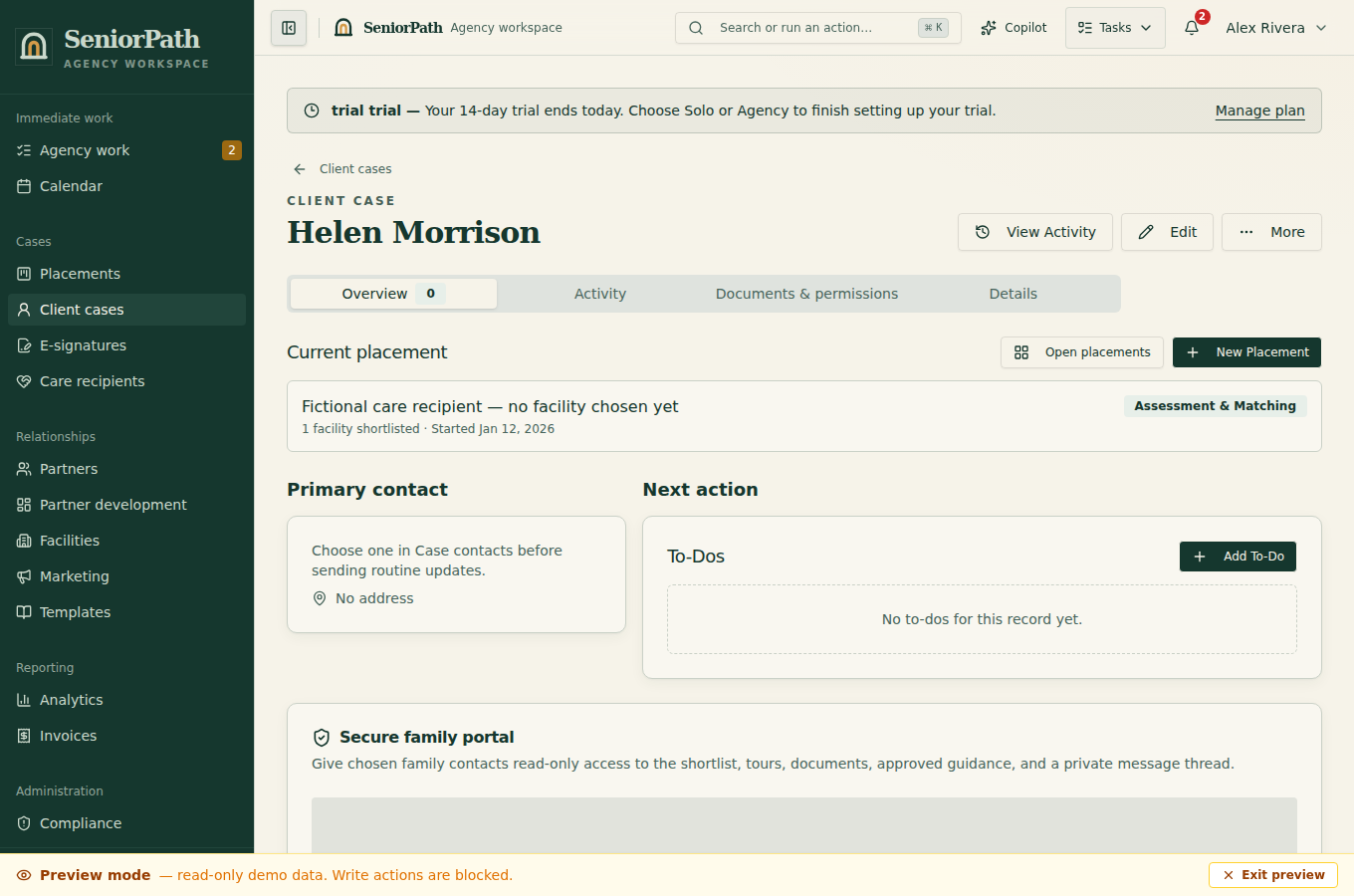
Prerequisites and role: Solo and Agency core intake is available to owners, admins, and advisors with client write access; assistants normally review only. Verify the client, care recipient, decision-maker and consent first. Voice transcription or AI suggestions depend on the available service; do not assume a recording has been processed.
Steps: 1. Open Client cases, create or select the client, then link the correct care recipient. 2. Open the recipient's Intake and enter known care needs, mobility, cognition, budget, payer source, geography, and preferences. Typed intake and the available voice-memo workflow can support assessment entry. 3. Review suggested or transcribed information against the source, correct errors, and save. Open Care profile and leave unknown facts uncertain rather than guessing.
Expected result: the saved care profile reflects reviewed information for the intended recipient; it is not a clinical determination.
Exceptions and recovery: if the recipient or intake is missing, verify the case link and role before creating another person. If recording, transcription, or save fails, check connectivity and the saved record before retrying; use typed entry without treating an unprocessed memo as verified.
Operator duty: confirm decision-makers and the resident's current facts, correct suggested fields, and decide when the care profile is complete enough to begin matching. SeniorPath does not make clinical determinations.
Family visibility: intake assessments, recordings, transcripts, suggested fields, and the internal care profile remain private unless appropriate evidence is deliberately published through a family-facing workflow.
Reverify: review intake before the first search and whenever health, care, budget, payer, geography, decision-makers, or preferences change.
Was this article useful?
Feedback collection is currently unavailable pending privacy review. Do not enter client information here. This feedback is not a support request.