family · Product help
Share the family portal, documents, and signatures
Publish the intended case information, send the correct secure link, and verify document or signature status.
SeniorPath Product & Compliance · Product version 2026.09
Source checked · Replit Agent repository source inspection; not human, legal, provider, or publication approval.
This is general product guidance, not a view of your account. Confirm permissions and current facts in your workspace before acting. Do not enter private client information here.
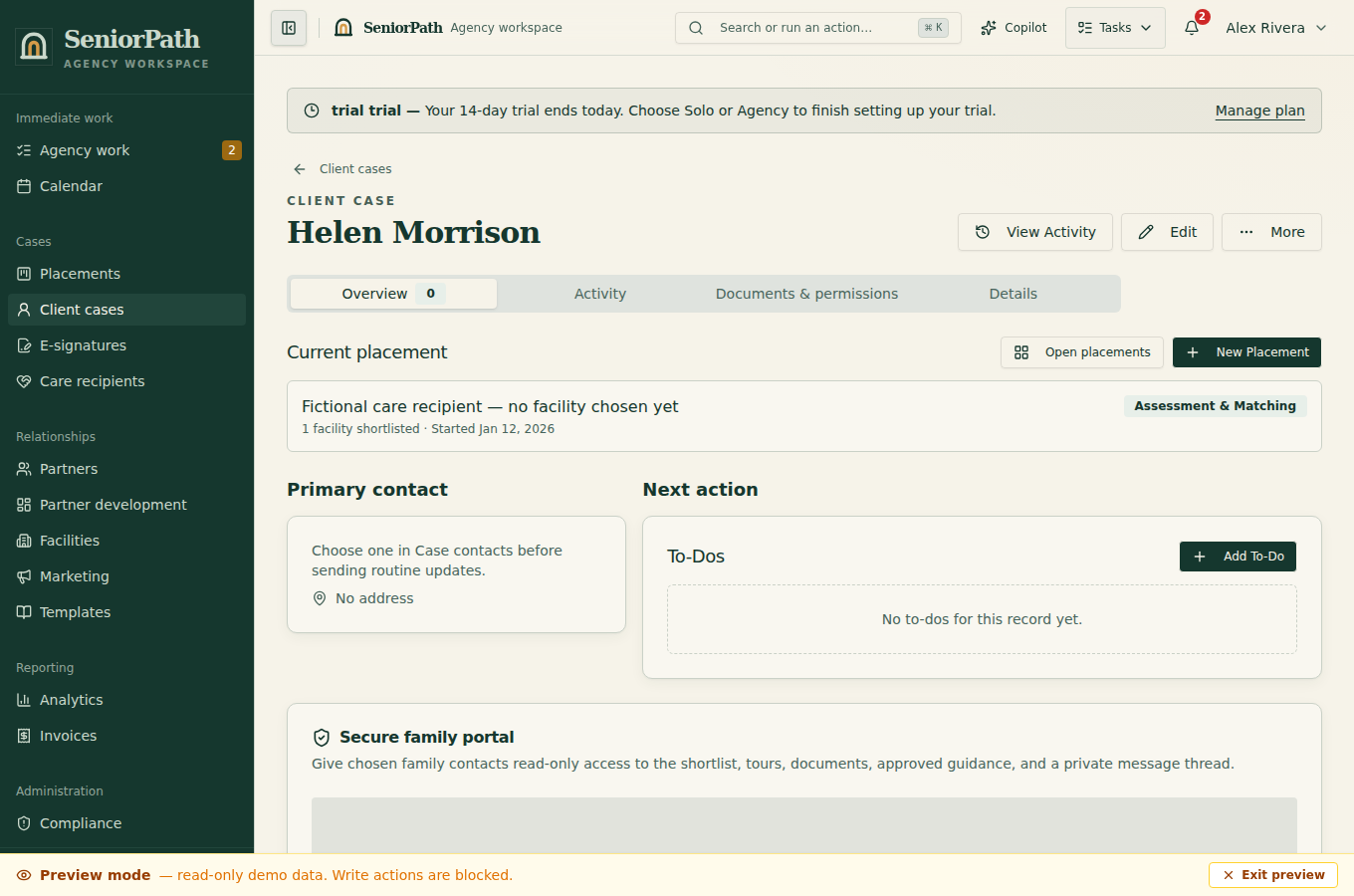
Prerequisites and role: on Solo or Agency, owner/admin/advisor case writers verify the intended family contact, their authority, and the exact approved snapshot or document; assistants normally review only. Invoice links and actions separately require invoice-specific grants, including for assistants. Use only the generated secure family, invoice, or signing link for that recipient.
Steps: 1. Review the latest approved shortlist and shared facility updates alongside current Scheduled Tours before sharing access. 2. Confirm the family contact and deliberately send the secure portal link through an authorized channel. 3. In the portal, the family can review Facility Shortlist, Recommended Care, About this shortlist, Scheduled Tours, Shared Documents, and send a message when available. 4. For a signing request, review the document and signer before sending. Return to the record to verify the actual signature status.
Expected result: the intended recipient sees only deliberately published case content, and completion status is recorded separately from link delivery.
Exceptions and recovery: “Link Unavailable” requires a fresh authorized link rather than editing the token. “No facilities shortlisted yet” or no documents can be a valid unpublished state. Delivery is not proof of access, and opening a signing page is not a signature or acknowledgment. If the wrong recipient received a link, stop sharing and follow the agency's incident process; do not reuse a token across cases.
Operator duty: verify recipient, authority, document version, content, and status; protect tokens and never paste them into support requests.
Family visibility: the portal and signing page expose only their configured content; internal scores, drafts, notes, and agency deliberations remain private.
Reverify: before each share and after recipient, evidence, tour, document, signature, or access changes.
Was this article useful?
Feedback collection is currently unavailable pending privacy review. Do not enter client information here. This feedback is not a support request.