compliance · Product help
Invite teammates and manage roles
Invite the right person, assign least-privilege access, and recover from expired or unusable invitations.
SeniorPath Product & Compliance · Product version 2026.09
Source checked · Replit Agent repository source inspection; not human, legal, provider, or publication approval.
This is general product guidance, not a view of your account. Confirm permissions and current facts in your workspace before acting. Do not enter private client information here.
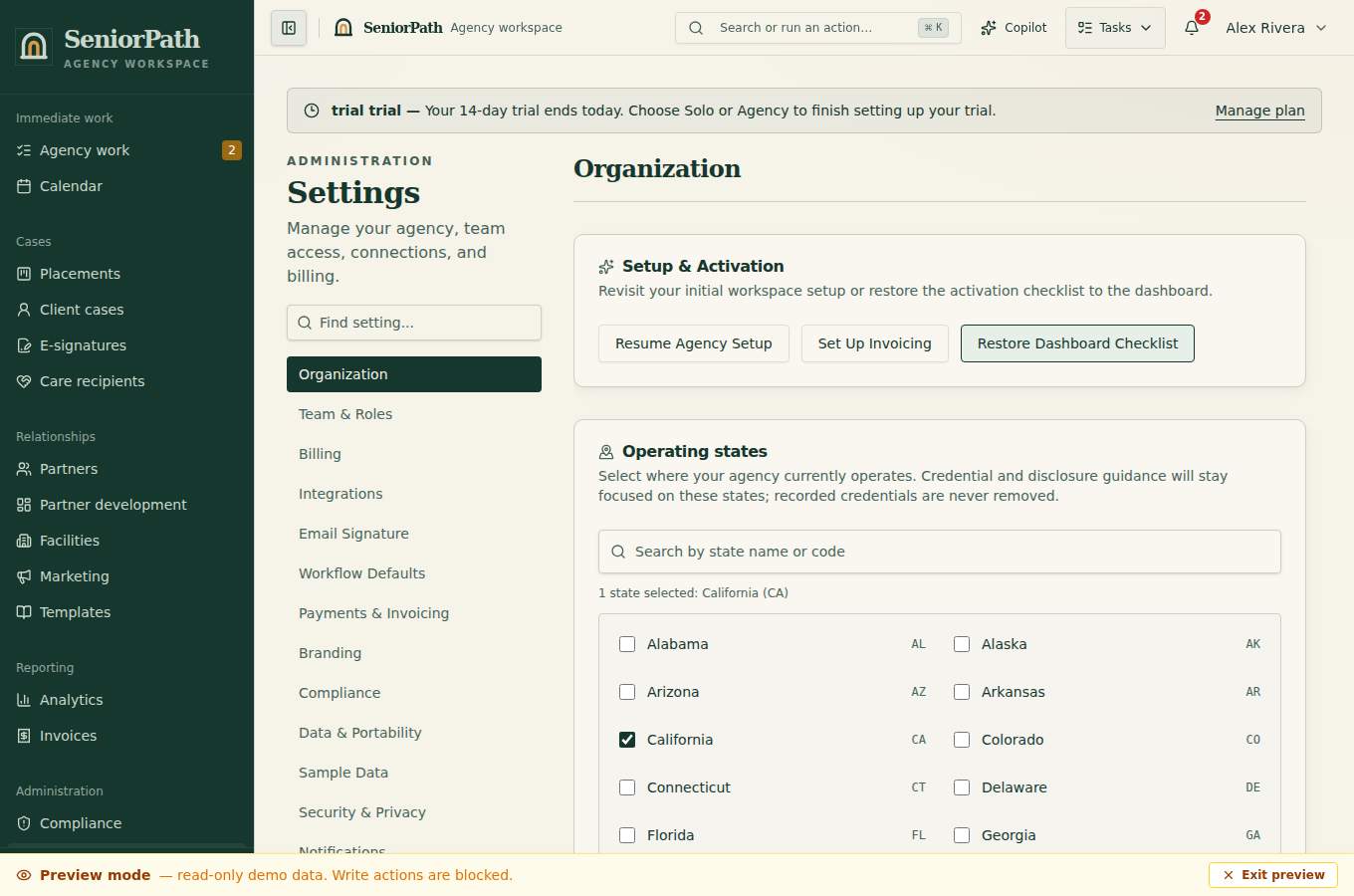
Prerequisites and role: team invitations and member deactivation require the workspace owner on the Agency plan; admins can access some Settings but cannot mutate team membership merely by being admins. Confirm the invitee's business email and intended responsibilities before assigning owner, admin, advisor, or assistant.
Steps: 1. Open Settings and the team management section. 2. Invite the verified email address and choose the least-privilege role that supports the person's work. 3. Ask the recipient to use the invitation link while signed in as the invited identity. 4. Return to Settings and confirm the member appears with the intended role; update or remove access when responsibilities change.
Expected result: the invitation is recorded and, after acceptance, the teammate enters the same agency with role-based destinations and actions.
Exceptions and recovery: an empty team list or 403 may mean the current role lacks access or the Agency entitlement is absent. If the link is expired, already used, or belongs to another identity, the owner must issue a fresh invitation rather than forwarding credentials. If a destination is hidden or read-only after acceptance, the owner must verify the assigned role and plan. Assistants normally read records, but may receive explicit invoice-specific grants; a tenant owner is not a platform administrator.
Operator duty: verify identity out of band when appropriate, use least privilege, and promptly remove access for people who no longer need it.
Family visibility: invitations, roles, and internal access decisions are private.
Reverify: audit membership after staffing changes and before granting billing, integration, compliance, or publishing authority.
Was this article useful?
Feedback collection is currently unavailable pending privacy review. Do not enter client information here. This feedback is not a support request.