compliance · Product help
Use settings, data downloads, and account recovery
Manage integrations and imports with protected access, validate results, and recover without exposing credentials.
SeniorPath Product & Compliance · Product version 2026.09
Source checked · Replit Agent repository source inspection; not human, legal, provider, or publication approval.
This is general product guidance, not a view of your account. Confirm permissions and current facts in your workspace before acting. Do not enter private client information here.
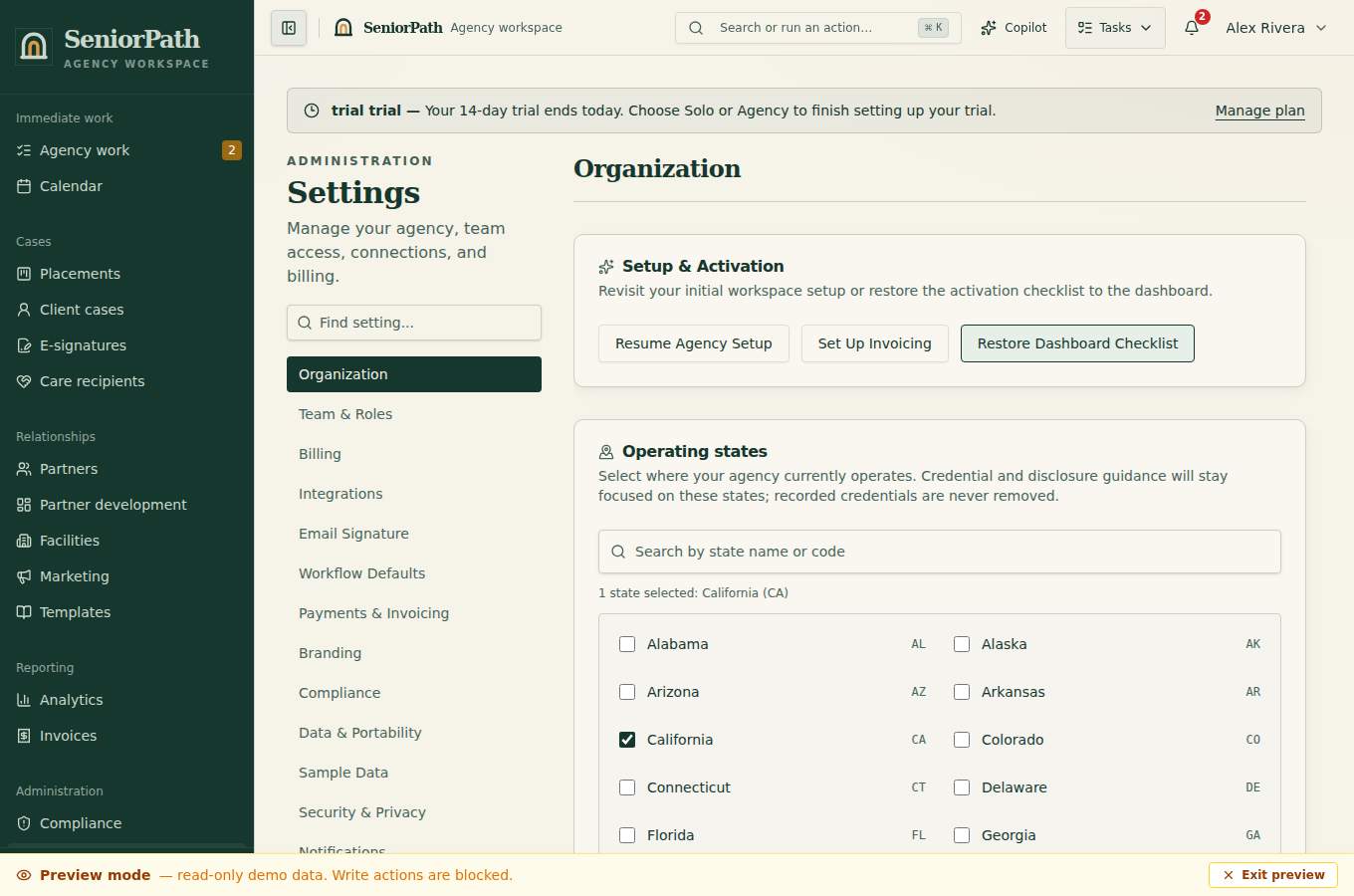
Prerequisites and role: owners or admins manage agency-wide settings on Solo or Agency, but owner-only subscription billing, QuickBooks authorization and Agency-only team management have narrower gates. Agency credentials also require Agency plus owner/admin. Personal mailbox and signature settings belong to the signed-in eligible member; Google Calendar connection is owner/advisor only. Prepare an authorized export and remove unnecessary sensitive columns before core self-serve import.
Steps: 1. Open Settings and the relevant section. Confirm whether the control is personal, agency-wide, owner-only, or plan-restricted. 2. For an import, review the accepted format and mapping, run available validation, and correct rejected rows before committing. 3. For an integration, use its Connect flow, review requested access, and verify the resulting status in both SeniorPath and the provider. 4. For sign-in or account recovery, use the identity provider's supported flow. After recovery, review team membership, role, and connected accounts.
Data & Portability keeps CSV importing and individual dataset CSV exports for owners and admins. Agency owners can also download the broader agency archive (CSV record types with JSON values, or structured JSON) and retained security/AI audit records. These are distinct downloads, not interchangeable or restorable backups. Audit downloads include their coverage and generation time; the page does not display live events or recorded AI output. Older Security & Privacy links open Data & Portability.
Expected result: accepted records or connections appear in the intended agency without granting broader access than required.
Exceptions and recovery: a missing control can indicate role, plan, or owner-only restrictions. Validation success is not proof that every external record synced. If an import partially fails, preserve the result, correct only failed rows, and check duplicates before retrying. A configured integration is not a live provider verification: reconcile actual provider status and records before retrying a charge, send or sync. Never send passwords, one-time codes, access tokens, webhook secrets, private links, card numbers, or bank details to support.
Operator duty: use authorized source data, least privilege, protected-action checks, and provider-native recovery. Revoke obsolete access promptly.
Family visibility: settings, imports, connection details, security events, and recovery work remain private.
Reverify: after role, ownership, plan, provider, credential, import, or security changes and before a high-impact action.
Was this article useful?
Feedback collection is currently unavailable pending privacy review. Do not enter client information here. This feedback is not a support request.