intake · Product help
Set up an agency workspace
Choose the agency profile, operating states, defaults, and plan before inviting the team.
SeniorPath Product & Compliance · Product version 2026.09
Source checked · Replit Agent repository source inspection; not human, legal, provider, or publication approval.
This is general product guidance, not a view of your account. Confirm permissions and current facts in your workspace before acting. Do not enter private client information here.
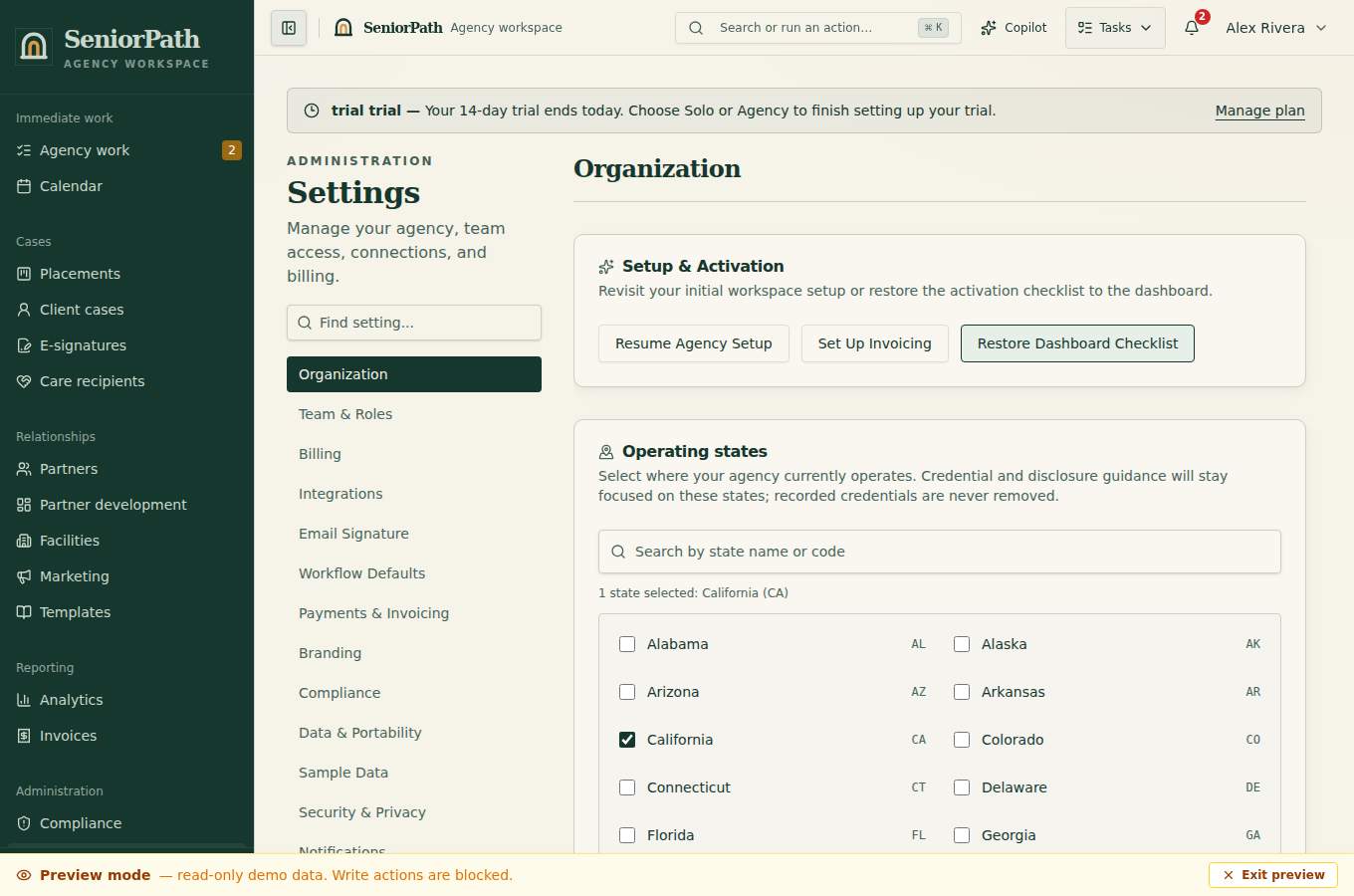
Prerequisites and role: the workspace owner completes onboarding on Solo or Agency. Have the agency name and states of operation available. Branding and fee customization are optional during setup and can be completed later. Solo supports one owner; team invitations require Agency.
Steps: 1. In Agency Profile, enter Agency Name and Your Name. Use the state search to find and select every state where the agency operates. 2. Optional branding starts collapsed. Expand it only if you are ready to add an authorized logo and colors; leaving it collapsed retains any branding already saved. 3. In Operations & Defaults, customize Fee Basis, Fee Percentage, and Payment Timing only when approved terms are ready. You can defer this step: omitted fee fields retain the workspace's existing defaults rather than clearing them. 4. Review the selected plan and finish setup. Later, use Organization for operating states, Branding for the logo and colors, Workflow Defaults for fee policy, and Compliance for disclosures and credentials.
Expected result: the authenticated workspace opens with agency defaults available to supported records. A saved default is a starting value, not proof of a contract or entitlement.
Exceptions and recovery: if a state is not visible, search by its name or two-letter code. If a required field is rejected, correct the highlighted value and save again. If setup is read-only or plan controls are unavailable, ask the workspace owner. If saving fails, keep the page open, confirm connectivity, and retry; do not assume partially entered values were saved. A plan selection is not evidence of a successful checkout or provider connection.
Operator duty: confirm legal agency identity, operating states, fee terms, and the plan choice before continuing. Do not use a logo or terms without authorization.
Family visibility: setup, plan, team, and default fee configuration remain private. Later invoices or disclosures are visible only when deliberately issued or shared.
Reverify: review agency details and defaults after a plan, ownership, state, brand, or contract-policy change.
Was this article useful?
Feedback collection is currently unavailable pending privacy review. Do not enter client information here. This feedback is not a support request.