compliance · Product help
Connect and manage your personal mailbox
Connect the current member's Gmail or Outlook mailbox, understand selective tracking, and disconnect safely.
SeniorPath Product & Compliance · Product version 2026.09
Source checked · Replit Agent repository source inspection; not human, legal, provider, or publication approval.
This is general product guidance, not a view of your account. Confirm permissions and current facts in your workspace before acting. Do not enter private client information here.
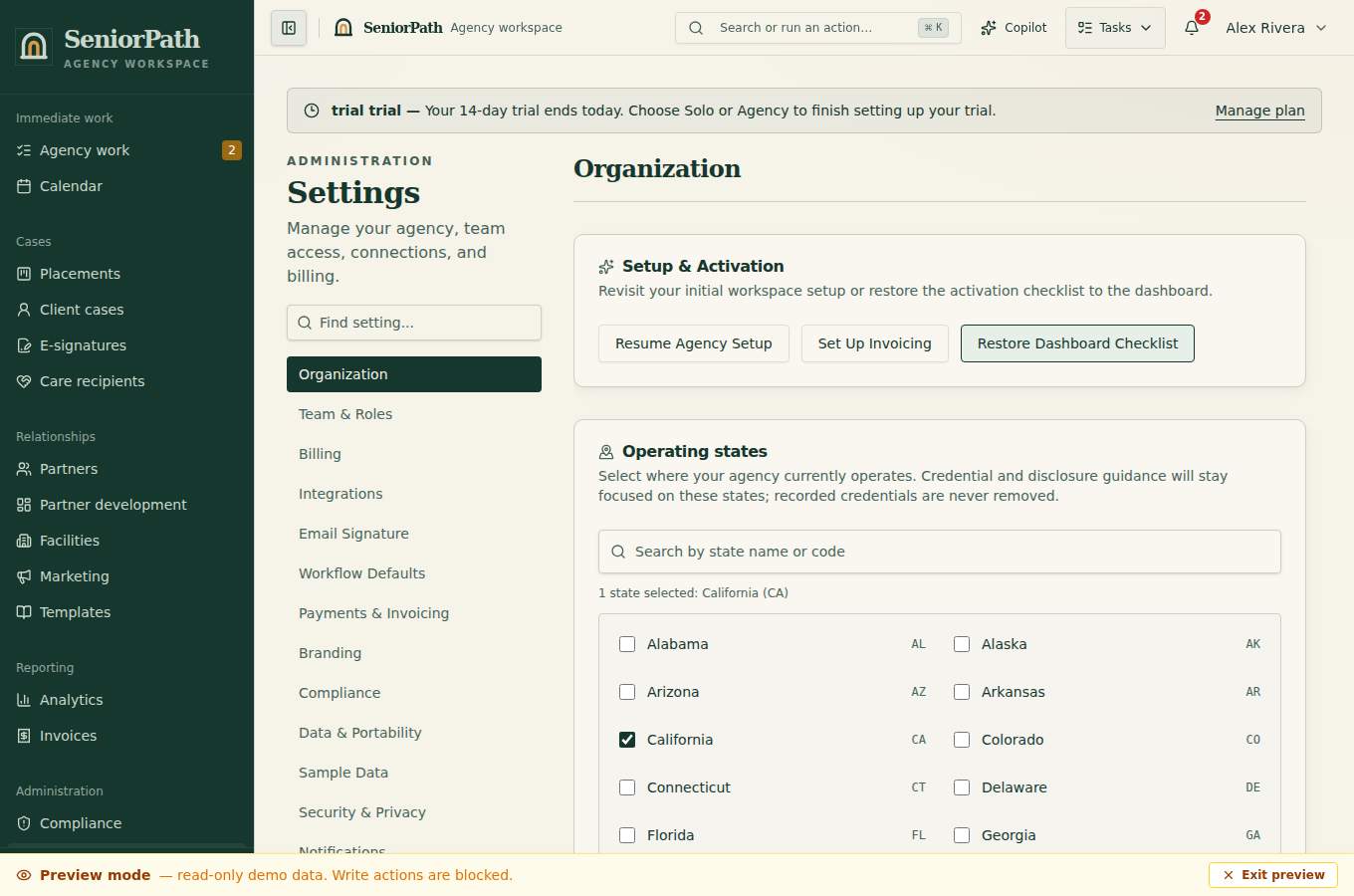
Prerequisites and role: the signed-in member connects their own supported mailbox; assistant mutations are normally blocked. Solo and Agency core Gmail sync is cataloged; Outlook connection has a code path but also depends on provider approval and production configuration. Google Calendar is separate: its connect action permits owners or advisors (not admins merely by role).
Steps: 1. Open Settings and connect the Gmail or Outlook account the signed-in member is authorized to use. This direct personal-mailbox authorization is separate from SeniorPath login and from other members' connections. SeniorPath never silently substitutes a team or platform mailbox. Mail connection availability depends on completed provider approval and production configuration; implementation and provider-mock tests are not proof of provider approval or a successful live authorized smoke test. 2. Check the displayed provider and sender. In personal signature settings choose the desired mode and text; review or remove its prefilled copy in each editable composer before sending. 3. If needed, connect Google Calendar through its separate authorization; verify status before relying on tour sync. 4. Disconnect through Settings when access must end; review paused work and retention obligations.
Expected result: eligible supported record messages and relevant replies are selectively tracked; the signature is part of the reviewed message body, never a blind server-side addition.
Exceptions and recovery: if authorization fails, expires or is revoked, use the supported provider/Settings reconnect flow and review sender and pending work. Reconnection never automatically transfers queued sends. Do not retry uncertain mail until delivery state is reconciled.
Selective tracking and team visibility: SeniorPath stores messages sent from supported record workflows and relevant replies linked to those records so authorized agency teammates can follow the work. It does not broadly import the inbox and is not a shared inbox. AI does not run merely because a mailbox is connected or a work item opens; the member must explicitly choose Help me write, then review and edit the result.
Disconnecting removes SeniorPath's local ability to use that mailbox and pauses work that cannot safely retain its original sender authorization. Reconnecting or switching providers does not resume, transfer, or reassign queued mail automatically. Historical CRM records, provider message and thread references, and required audit or financial records remain according to the agency's retention obligations; disconnecting is not deletion of retained history. Provider-side copies remain subject to the provider and mailbox owner's policies.
Google Calendar is a separate Google authorization used by supported tour calendar workflows. Connecting Outlook mail does not add Outlook Calendar support.
Operator duty: choose the correct business mailbox, review requested access, protect the account, confirm the displayed sender and recipient before sending, and reconnect only through the authorized Settings flow when access expires or is revoked. A personal mailbox connection is not permission to send campaigns.
Family visibility: connection details, unrelated mailbox content, calendar configuration, drafts, and internal delivery errors remain private. Authorized teammates can see selectively tracked CRM correspondence; recipients see only messages deliberately sent to them.
Reverify: check the connection before time-sensitive email, after account, role, permission, or provider changes, and whenever SeniorPath reports a paused, failed, or uncertain delivery. Do not blindly retry an uncertain send.
Was this article useful?
Feedback collection is currently unavailable pending privacy review. Do not enter client information here. This feedback is not a support request.