tours · Product help
Schedule tours and document follow-up
Confirm tour details, use the calendar, and record the family's response.
SeniorPath Product · Product version 2026.09
Source checked · Replit Agent repository source inspection; not human, legal, provider, or publication approval.
This is general product guidance, not a view of your account. Confirm permissions and current facts in your workspace before acting. Do not enter private client information here.
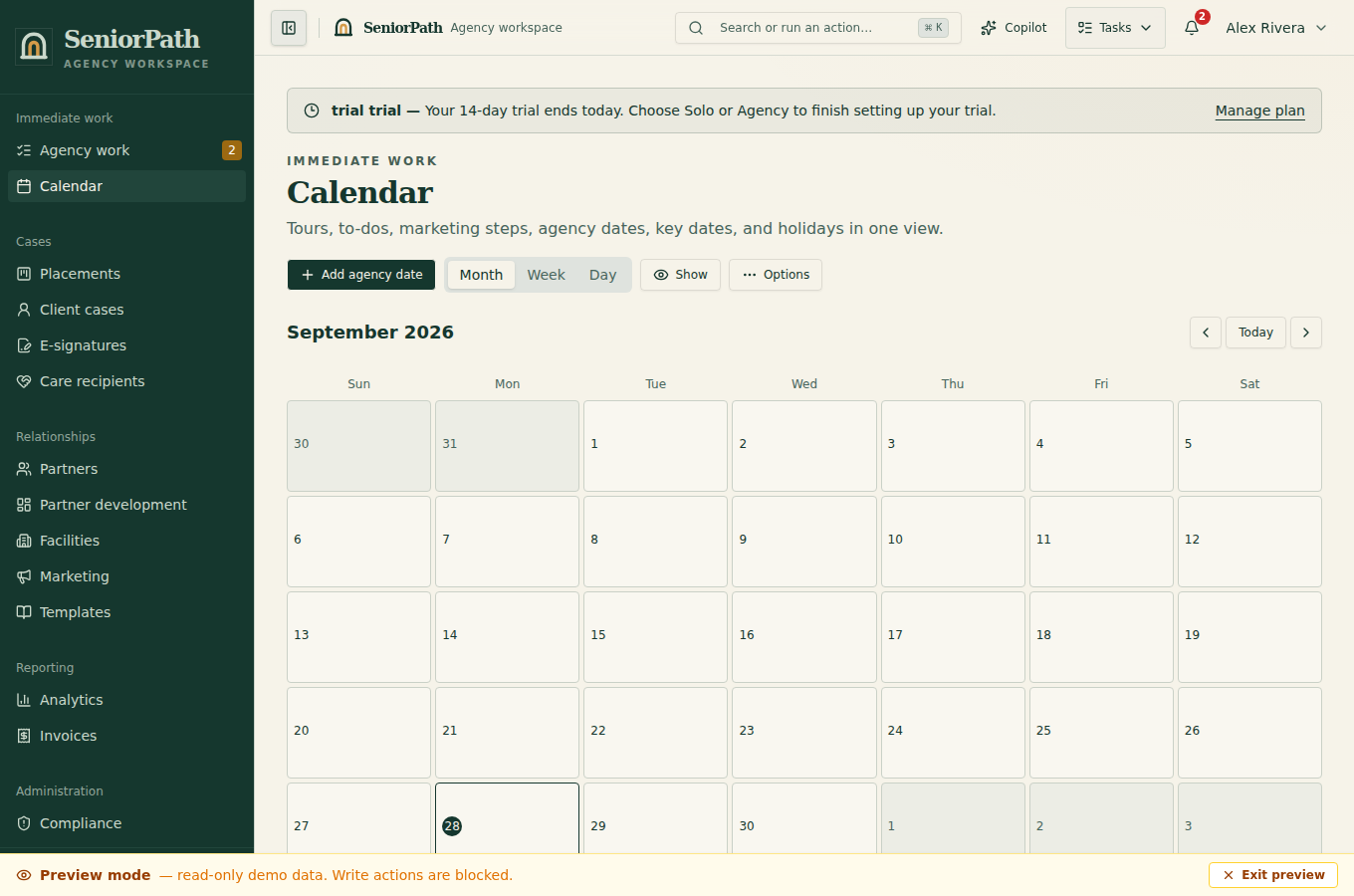
Prerequisites and role: Solo and Agency placement writers (owner, admin, advisor) need a shortlisted facility, confirmed family contact and timezone. Tour notes and manual family-contact mutations require owner/admin/advisor; a reminder also needs approved sender, recipient, purpose and schedule. Google Calendar sync requires separate per-member authorization where supported.
Steps: 1. Add a tour from the placement for a shortlisted facility. Confirm the facility, date, time, and participating family contact. 2. Review Calendar and any reminder state; a case reminder may send automatically only when its sender, recipient, purpose, and current schedule were explicitly approved. 3. Cancel or reschedule obsolete visits and reminders; record the real result and factual follow-up after the visit.
Expected result: the placement and calendar reflect the current tour, not proof of reminder receipt or attendance.
Exceptions and recovery: paused, failed, or uncertain reminders need operator review; do not retry an uncertain send until SeniorPath reconciles whether the provider accepted it. If calendar sync is unavailable, verify the in-app tour and contact participants directly.
Calendar also shows holidays, recognition dates, and partner milestones as all-day items. Use Show → Key dates to hide or restore these without hiding tours, tasks, or marketing work. Calendar → Options → Manage key dates may display several catalogs: agency dates are editable by owner/admin/advisor; shared holidays require a separately authorized platform administrator and explicit shared-catalog confirmation, even if that person has a tenant role. Tenant partner key dates and milestones remain separate records managed in the partner workflow. Opening a date or a planning link never sends an email.
Operator duty: coordinate details with both the family and facility, review the displayed sender and recipient, cancel or reschedule obsolete reminders promptly, handle any reminder or calendar exceptions, and move the placement stage only when the family's decision supports it.
Family visibility: families receive tour details deliberately shared with them. Internal preparation, agency ratings, facility outreach notes, and stage deliberations remain private.
Reverify: reconfirm details before the visit, update cancellations or reschedules promptly, and document the outcome while it is fresh.
Was this article useful?
Feedback collection is currently unavailable pending privacy review. Do not enter client information here. This feedback is not a support request.