partners · Product help
Plan follow-up work and reviewed outreach
Keep family and partner next steps visible, then review recipients and content before sending.
SeniorPath Product & Compliance · Product version 2026.09
Source checked · Replit Agent repository source inspection; not human, legal, provider, or publication approval.
This is general product guidance, not a view of your account. Confirm permissions and current facts in your workspace before acting. Do not enter private client information here.
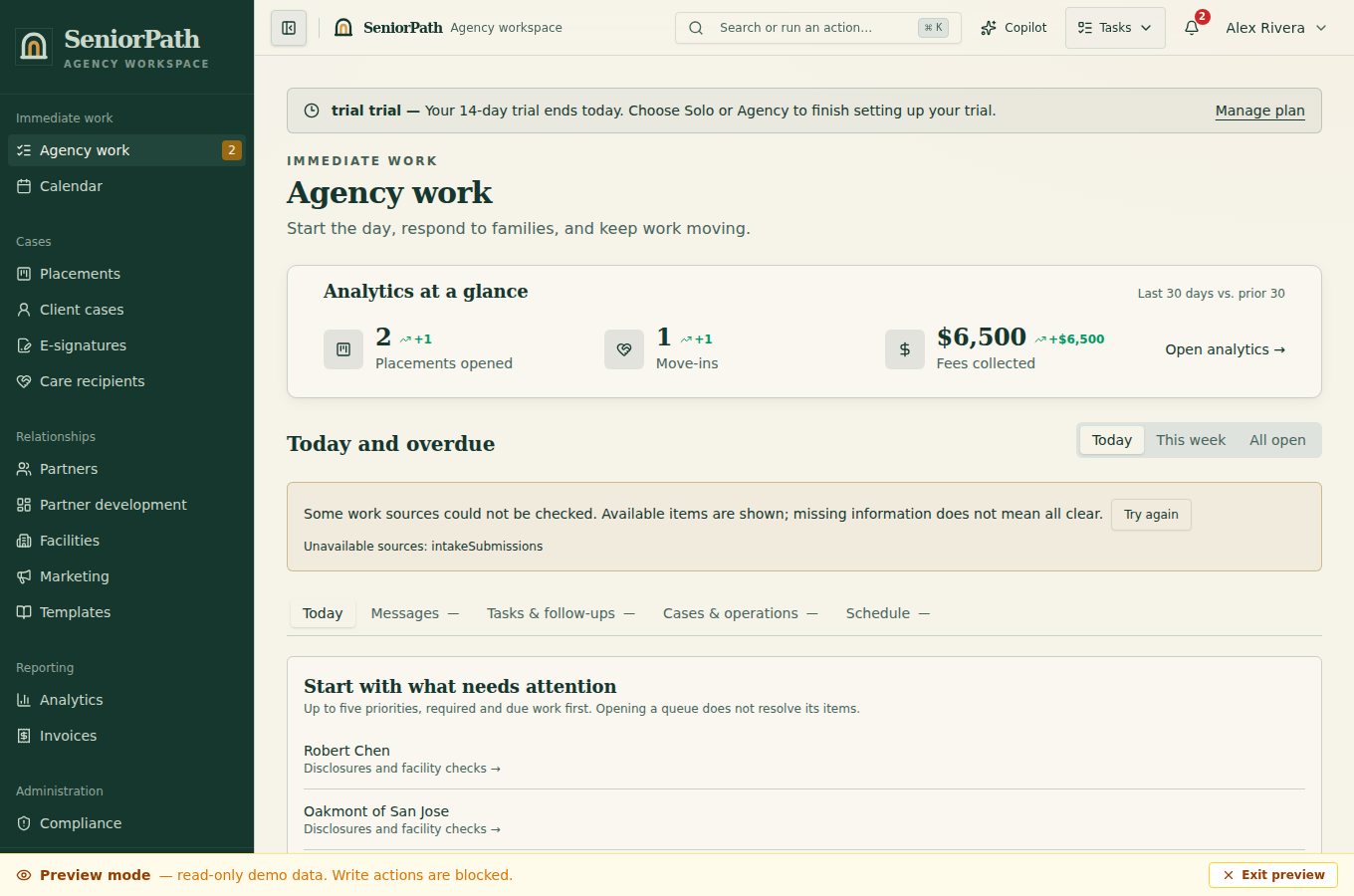
Prerequisites and role: Solo and Agency owners/admins/advisors can manage outreach; assistants normally review work. A personal Gmail or Outlook connection requires provider approval/configuration and a currently authorized member account before sending.
Steps: 1. Use My Work to open a follow-up task tied to the correct client, placement, partner, or tour. Relationship outreach and review requests create deduplicated review work, not background campaign sends. 2. Refresh the record and check consent, sender and recipient. Opening an item does not call AI. 3. Start from the saved template or choose Help me write on demand. Review and edit the draft and the personal signature prefilled in the composer; the reviewed body, including any edited or removed signature, is the send input, not a signature blindly appended at delivery. 4. Send deliberately, inspect delivery state, record the real result and only then complete the task.
Expected result: authorized teammates see selectively retained record-linked correspondence and the work reflects actual actions, not presumed receipt.
Exceptions and recovery: if the mailbox is disconnected or provider access expires, reconnect through Settings; do not reassign queued mail automatically. For failed or uncertain sends, reconcile the provider outcome before retrying. If AI drafting fails, use the reviewed manual draft rather than claiming AI text was produced.
Direct personal email: each member connects and sends from their own supported Gmail or Outlook mailbox. SeniorPath selectively keeps messages and replies tied to the client or partner record so authorized teammates can see relevant conversation history; it does not import the whole inbox or create a shared inbox. Sending and reply tracking depend on the current mailbox authorization.
Operator duty: confirm who should receive each communication, resolve overdue or duplicated tasks, review AI-assisted drafts, and record the real outcome instead of marking work complete in advance. A provider accepting a send is not proof that the recipient received it. Review paused, failed, or uncertain status before retrying.
Family visibility: task lists, workflow configuration, draft messages, and internal notes remain private. Relevant sent messages and replies are visible to authorized agency teammates on the associated record. Families see only communications and case information deliberately sent or published to them.
Reverify: check recipient details and communication preferences immediately before outreach, refresh task context after another team member acts, and review any provider error before retrying. A reply, opt-out, recipient change, completed or canceled task, or mailbox change can make follow-up work obsolete and should pause or suppress it.
Was this article useful?
Feedback collection is currently unavailable pending privacy review. Do not enter client information here. This feedback is not a support request.