tours · Product help
Manage calendar tours, reminders, and debriefs
Schedule the verified visit, review reminder state, and document the outcome after the tour.
SeniorPath Product & Compliance · Product version 2026.09
Source checked · Replit Agent repository source inspection; not human, legal, provider, or publication approval.
This is general product guidance, not a view of your account. Confirm permissions and current facts in your workspace before acting. Do not enter private client information here.
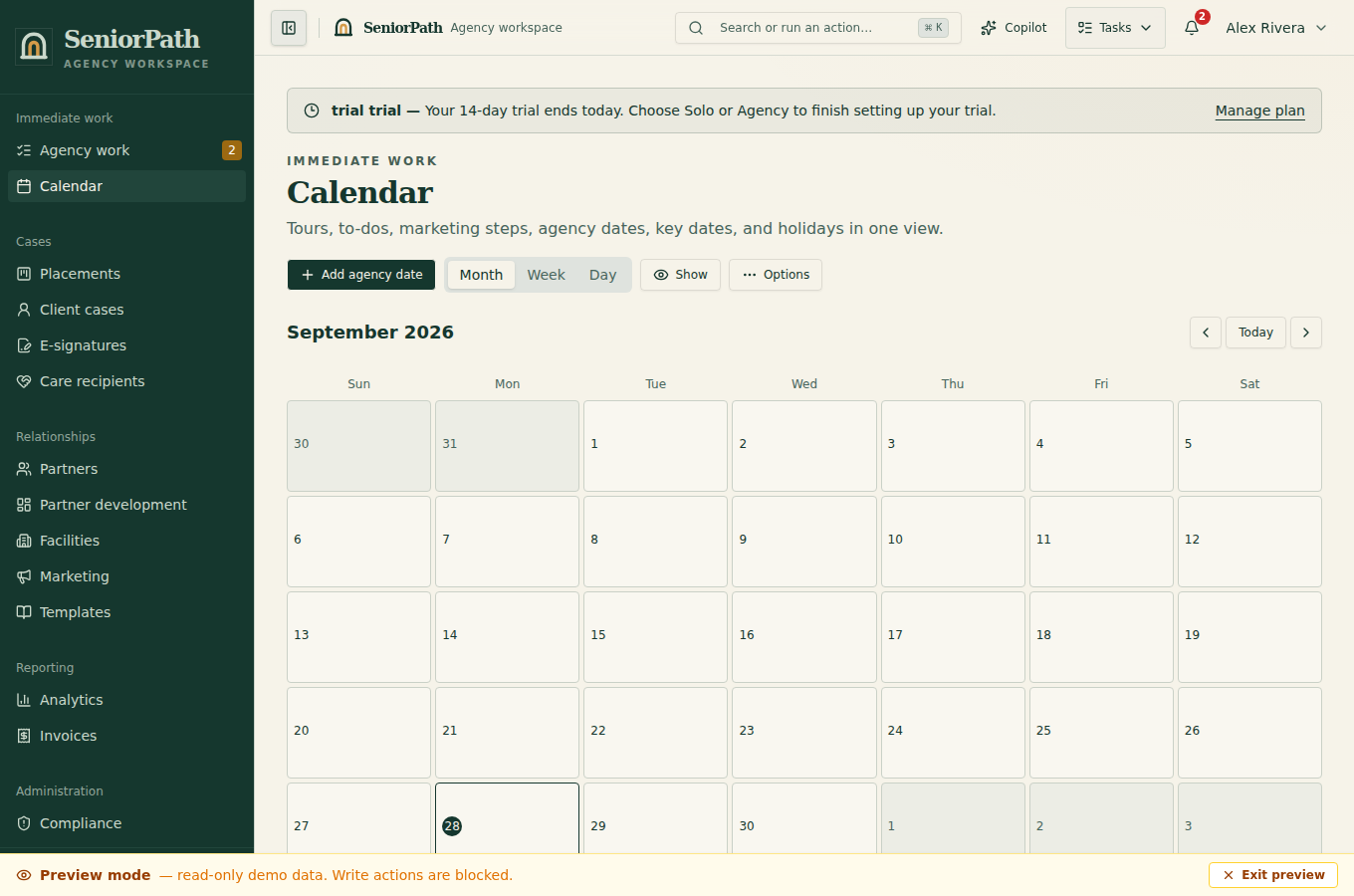
Prerequisites and role: on Solo or Agency the facility must be on the intended placement. Owners/admins/advisors can write tour notes and manual family contact; assistants normally review only. Confirm timezone, family contact, facility contact, and explicit sender/recipient/purpose/schedule approval for any reminder. Google Calendar requires separate eligible member authorization.
Steps: 1. Add the tour from the placement, selecting the facility, date, time, and participating family contact. 2. Open Calendar and confirm the event appears on the expected day. Review its reminder sender, recipient, purpose, and current delivery state. 3. For a change, update or cancel the obsolete visit before creating conflicting details. 4. After the visit, record the outcome and follow-up. In Field Companion, Check in before recording; review the transcript and debrief draft, correct it, then explicitly approve. A draft does not send follow-up or complete compliance evidence.
Expected result: Calendar and the placement show the current visit, while follow-up reflects the real outcome.
Exceptions and recovery: an empty calendar may reflect the date range or no scheduled tours. Restricted users cannot create or edit. For failed or uncertain reminders, inspect status and recipient before retrying; provider acceptance is not proof of receipt. If mobile connectivity fails, confirm the update in the main app.
Operator duty: coordinate directly, verify recipient and schedule, and never blindly retry an uncertain reminder.
Family visibility: families see tour details deliberately shared with them, not internal preparation, ratings, or debrief drafts.
Reverify: reconfirm shortly before the visit and after every cancellation, reschedule, participant, or facility change.
Was this article useful?
Feedback collection is currently unavailable pending privacy review. Do not enter client information here. This feedback is not a support request.