partners · Product help
Triage Agency work, tasks, and notifications
Use due work and alerts to choose the next action, then record the real outcome without duplicating work.
SeniorPath Product & Compliance · Product version 2026.09
Source checked · Replit Agent repository source inspection; not human, legal, provider, or publication approval.
This is general product guidance, not a view of your account. Confirm permissions and current facts in your workspace before acting. Do not enter private client information here.
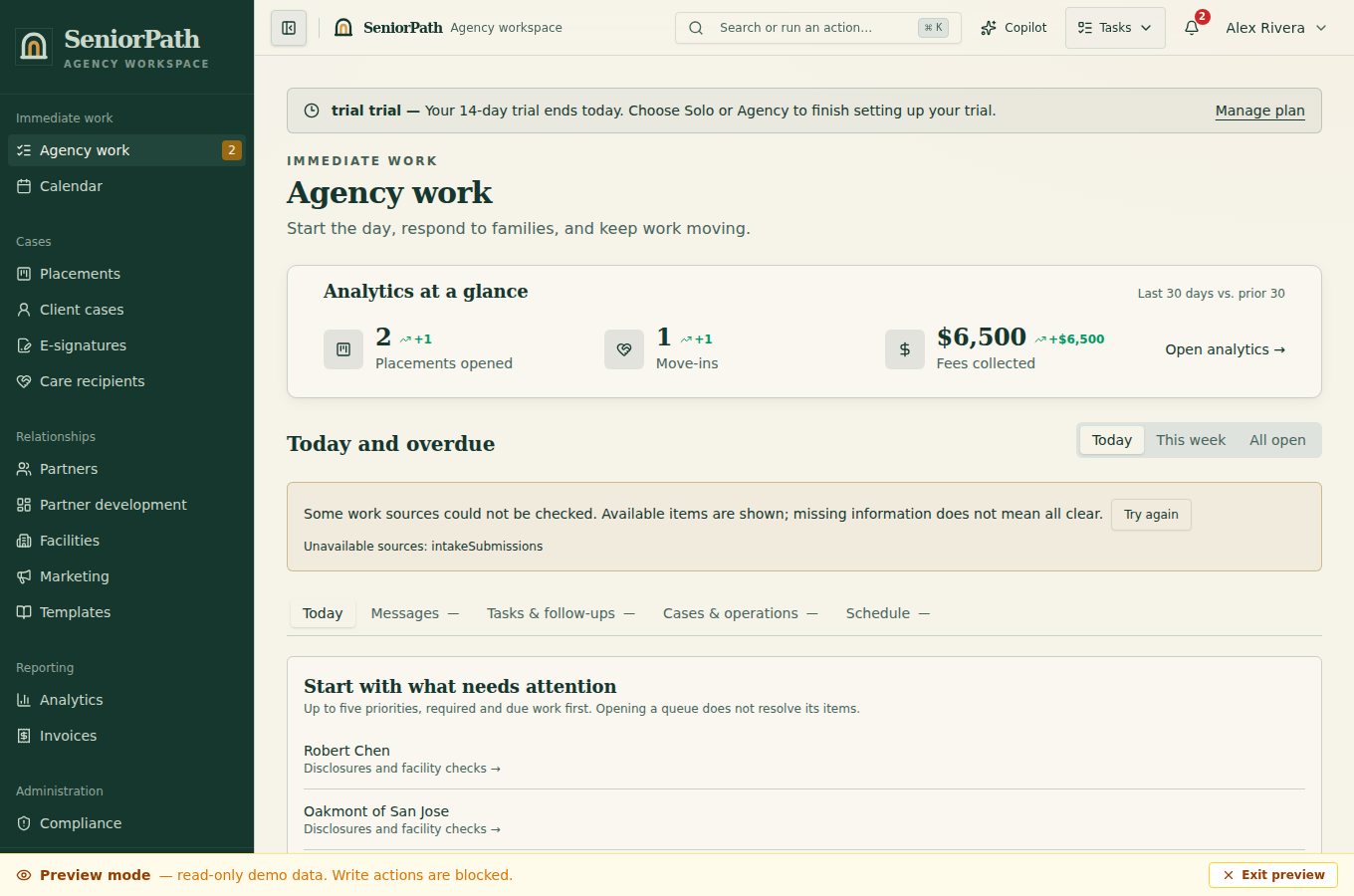
Prerequisites and role: Solo and Agency members can review Agency work when authorized for the underlying client, placement, partner, tour, or conversation. Owners/admins/advisors perform record and outreach writes; assistants normally review only, apart from specifically delegated invoice actions.
Steps: 1. Review Today and This week, then sort or filter by due date, title, or type. 2. Open the linked record before acting; confirm another teammate has not already completed or invalidated the work. 3. Perform the real follow-up, record its outcome, and only then complete or reschedule the item. 4. Use Notifications for new system attention. Open the source record and resolve the condition rather than merely dismissing the alert.
Expected result: completed work leaves a trace on the correct record and no longer appears as due after refresh; a dismissed alert is not proof that its source issue was resolved.
Exceptions and recovery: “No follow-up steps due” is a valid empty state. A missing linked record or restricted view requires an owner or record-authorized teammate. If attention cannot be loaded, choose Retry after checking connectivity. If two people act, refresh and preserve the actual outcome instead of creating a second send.
Operator duty: verify recipient, consent, timing, and current record context. Due status does not authorize communication.
Family visibility: queues, notifications, drafts, and internal completion notes remain private; recipients see only deliberate communications.
Reverify: refresh before acting on overdue work and after a teammate, reply, opt-out, cancellation, or record change.
Was this article useful?
Feedback collection is currently unavailable pending privacy review. Do not enter client information here. This feedback is not a support request.