partners · Product help
Prepare marketing workflows, templates, and key dates
Configure reviewed outreach building blocks without treating a workflow or draft as a sent message.
SeniorPath Product & Compliance · Product version 2026.09
Source checked · Replit Agent repository source inspection; not human, legal, provider, or publication approval.
This is general product guidance, not a view of your account. Confirm permissions and current facts in your workspace before acting. Do not enter private client information here.
Prerequisites and role: Solo and Agency marketing editors (owner, admin, advisor) need an approved audience, purpose, template language, timing, and owner; assistants normally review only. A personal mailbox, provider approval/configuration and consent must be verified separately before any send.
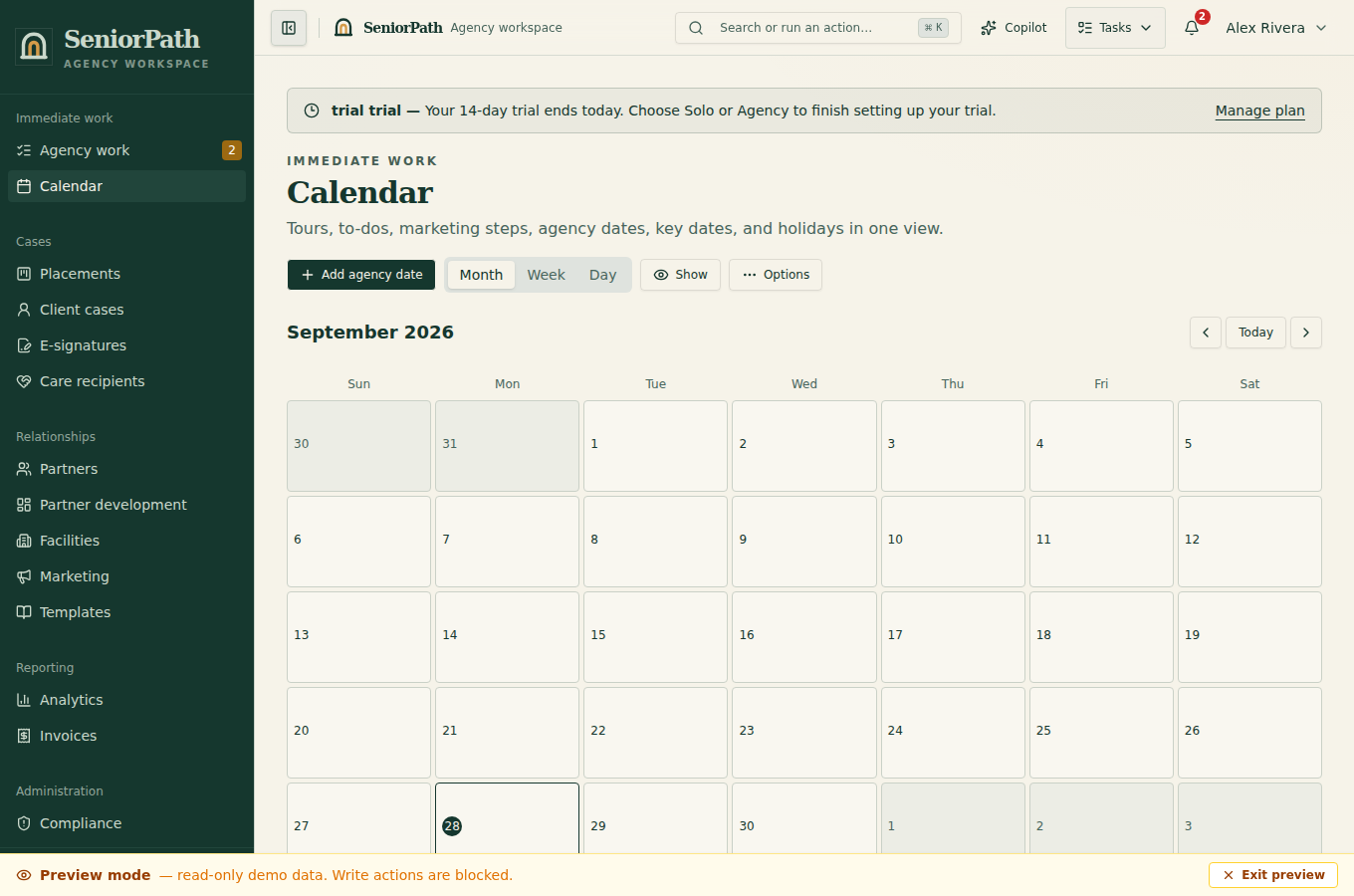
Steps: 1. In Templates, create a Template name, Template type, Audience, Subject line, and reviewed body. 2. In Marketing, choose New marketing workflow, its audience, and the applicable Partner stage or Placement stage. 3. Add ordered steps that create reviewable work. Confirm each step uses the intended template and timing. 4. Open Calendar and its Key Dates section to review dates and planned work. Agency dates may be edited by owners/admins/advisors; shared holidays require separate platform administrator authority and explicit shared-catalog confirmation. Partner key dates remain tenant-scoped. Review generated work before outreach; existing Key Dates links continue to open the relevant workflow.
Expected result: configured workflows and dates produce planned, reviewable work under shipped rules; they do not prove that a message was sent.
Exceptions and recovery: “No templates yet,” “No workflow,” and “No upcoming events” are setup states. Restricted roles cannot edit configuration. If a template was deleted or a step has no template, repair the workflow before use. For duplicate due work, keep one valid item and verify the record before contacting anyone.
Operator duty: review recipients, consent, content, AI-assisted text, and timing for every personal send. Do not treat workflow enrollment as campaign consent.
Family visibility: workflow setup, templates, dates, drafts, and internal segmentation remain private.
Reverify: review after policy, audience, stage, template, key-date, mailbox, or consent changes.
Was this article useful?
Feedback collection is currently unavailable pending privacy review. Do not enter client information here. This feedback is not a support request.